Create a Personalized Song
Create a song for bedtime, play, learning, or a family moment using the exact controls in EchoMom's Songs tab.
Product, care, and family perspective

In this story
New word? Find a plain-language explanation in Words in this guide.
Before you start
A personalized song uses an idea you provide, such as your child's favorite bath toy. You do not need music knowledge or lyrics. Choose a child in the app and open Songs, the music section in the bottom row. Creating a new song uses your plan's available song allowance.
Decide what the song should do
A song is easier to shape when it has one job. A Bedtime song might be calm and repetitive. A Playtime song can be energetic. A Celebration song can hold onto a milestone that the week was too busy to write down.
-
Choose the child at the top of the Songs tab.
Tap Songs, the music-note icon in the bottom navigation. Keep the Songs section selected at the top to find the Library and create a new song.
Songs. Songs opens the music area; the Songs section contains your Library.
- Choose one purpose for the song.
- Think of one moment, routine, joke, or learning topic to put in Song idea.

Create a song manually
Open Songs and stay on the Songs section. Tap + in the top-right corner. To create the song manually, fill in Song idea, milestone, or moment; Style or mood (optional); Song genre preferences; and Category.
In Songs, keep the Songs section selected, check the child’s name, and tap + at the top-right. The New song form opens above the Library.
Child selector. Choose the child the new song is for.
Add song. The + button opens the manual song form.
-
Type the main idea in Song idea, milestone, or moment.
Type one recognizable moment or routine into Song idea. Style or mood is optional: use it for a short direction such as gentle or playful.
Song idea. This is the required creative field: say what the song should be about.
Style or mood. Add a feeling or style only if you want to steer the result.
- Optionally describe a style or mood.
- Choose General, Bedtime, Learning, Playtime, or Celebration.
-
Tap Generate song.
Choose the category that fits how you will use the song, then tap Generate song. The request appears in the Library while it is being made.
Category. Choose General, Bedtime, Learning, Playtime, or Celebration.
Generate song. Submit the idea using the account’s available song allowance.

Wait for the song in your Library
After you tap Generate song, the new item appears in the Songs Library while it is being created. You can leave that screen. If Song notifications are enabled under Settings > Notifications, EchoMom can alert you when it is ready or if creation fails.
-
Open the song from the Library when its status is ready.
In the Songs section, scroll to Library. Use Playable to find finished songs; Working and Waiting show requests that are not ready yet. Tap a song card to open its player.
Status filters. Choose Playable when you want something ready to listen to.
Song card. Tap the title or artwork to open the song’s detail page.
-
Listen before using it in a routine or sharing it.
When the song is ready, tap its title or artwork in the Songs Library. On the detail page, scroll below the artwork to Player and tap the triangle to listen. Sing Along and the lyrics are farther down.
Play. Listen to the result before adding it to a routine or sharing it.
- Like or dislike it so EchoMom can learn from listening behavior.
- Add a keeper to a playlist for bedtime, play, or the car.

What to remember
- Song idea is the only required creative field; Style or mood is optional.
- Choose a Category that matches how you will use the song: General, Bedtime, Learning, Playtime, or Celebration.
- A familiar bedtime song can support a wind-down cue, but it is not a sleep treatment or guarantee.
Words in this guide
Hover over an underlined word, tap it, or use the Tab key for an explanation. Press Escape or tap outside to close it.
- milestone
- A skill a child develops, such as smiling, speaking, or walking. An app observation is not a developmental test.
What singing together can offer
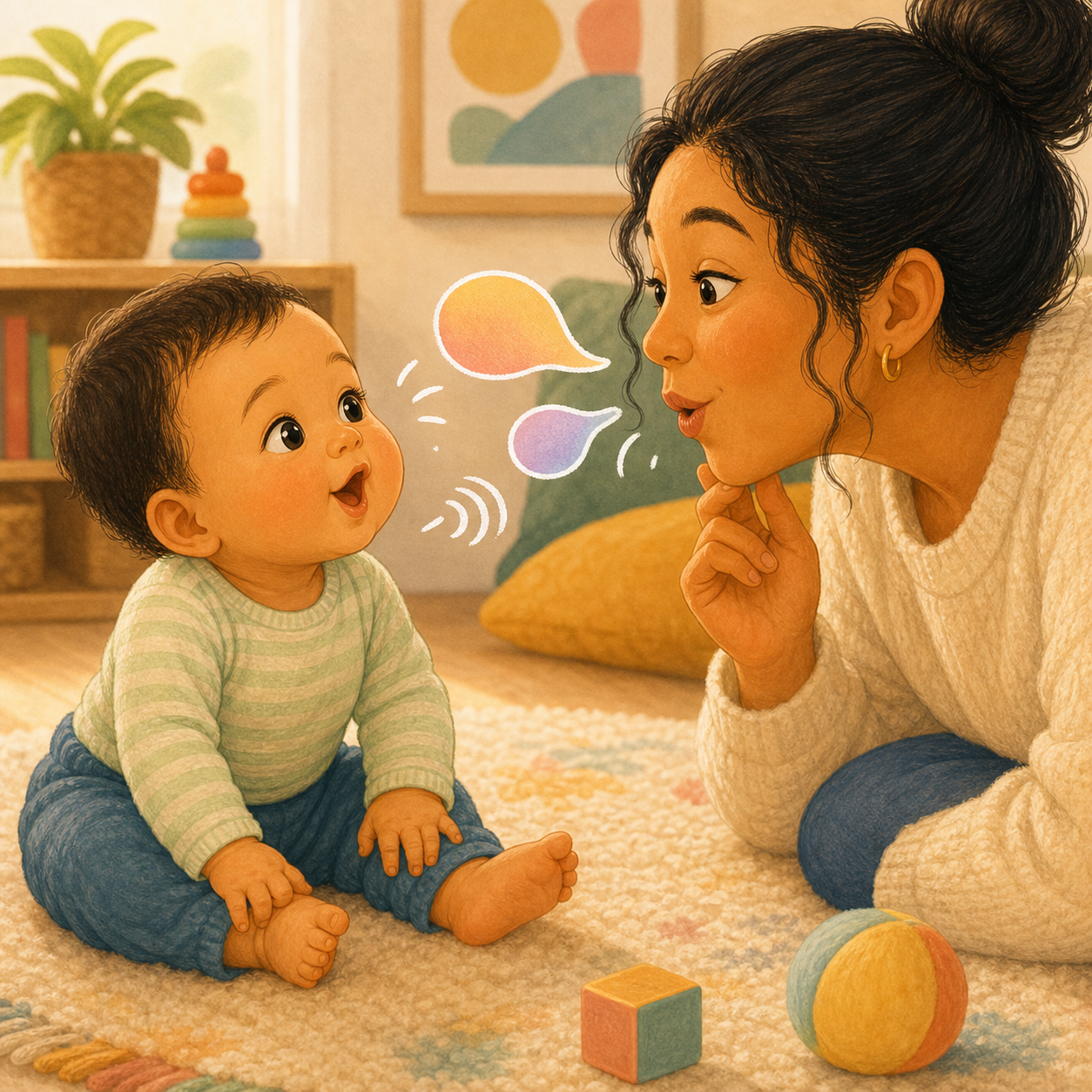
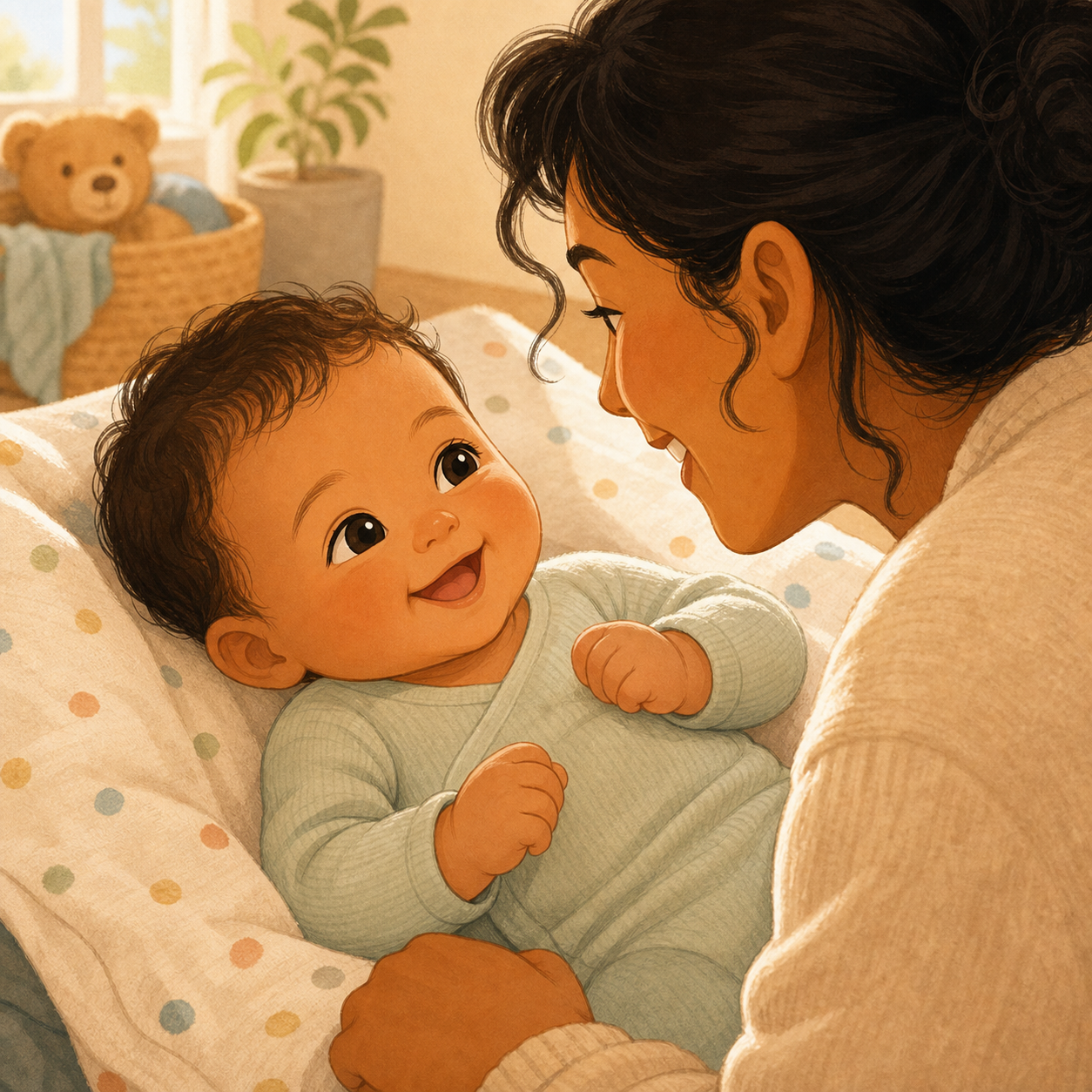
A familiar song gives you something to share: look at your child, sing a short phrase, and leave room for a smile, movement, or sound back. Repeat a favorite line and follow their interest. EchoMom can provide a song and lyrics for that moment; your voice and response make it an interaction. A song you already know works too.
These studies looked at people singing together, not EchoMom. They do not show that an app-generated song will improve sleep, treat a condition, or make a child develop faster.
Read the research and its limits
Feeling closer. In a study of 43 mothers and their infants, a singing session produced a greater increase in mothers' reported emotional closeness than a comparison session involving other interactions. This supports singing as a way to share a close moment; it measured short-term feelings, not a lasting change in attachment. Fancourt and Perkins (2018), Music & Science.
A brighter everyday mood. An exploratory randomized trial with 110 families encouraged parents to sing more often. Parents reported better infant mood after the intervention, including in the following week. The study relied on caregiver reports and did not show an improvement in caregiver mood. Cho et al. (2025), Child Development.
Comfort and attention. In a laboratory study of eight- and ten-month-olds, parents' singing after a brief stressful interaction reduced babies' negative emotions and drew their attention back to the parent. Familiar songs produced the strongest behavioral benefits and more smiling. This supports trying a favorite song when reconnecting; it does not mean singing will settle every upset. Cirelli and Trehub (2020), Developmental Psychology.
A calmer shared moment, or playful engagement. In a study of 30 mother-infant pairs, soothing renditions of the same song lowered measured arousal in both mother and infant (arousal means how activated the body is); playful renditions held the infants' attention more strongly. The finding concerns immediate responses, rather than treatment for stress or proof of better sleep. Cirelli, Jurewicz, and Trehub (2020), Journal of Cognitive Neuroscience.
Early language. Franco and colleagues studied 36 infants at six months and followed up with 26 at fourteen months. More parent-reported singing was associated with better later language outcomes. This was a small observational study, so it cannot establish that singing caused the difference. Observational means the researchers watched existing patterns rather than assigning families to sing more. Franco et al. (2022; online 2021), Journal of Child Language.
Listening to speech rhythms. In a randomized study, nine-month-olds who took part in twelve interactive music sessions showed stronger brain responses to timing changes in music and speech than a play comparison group. This was evidence about speech processing, not a test of vocabulary growth or passive song playback. Zhao and Kuhl (2016), PNAS.
Keep the promise modest. Results vary by setting and outcome. The LongSTEP trial in families with preterm infants did not find improved bonding, and its follow-up did not demonstrate better language development at two years. These studies did not test EchoMom or AI-generated songs. Singing together can be an enjoyable way to connect and explore sounds, without a promise of faster development. LongSTEP bonding study (2023); language follow-up (2024).
When typing is too much
Use your voice to update a care record.
Ask EchoMom to record what happened or find a saved entry. Check the details before relying on a record.
Open EchoMom